Peter Yang's AI Content System
Table of content
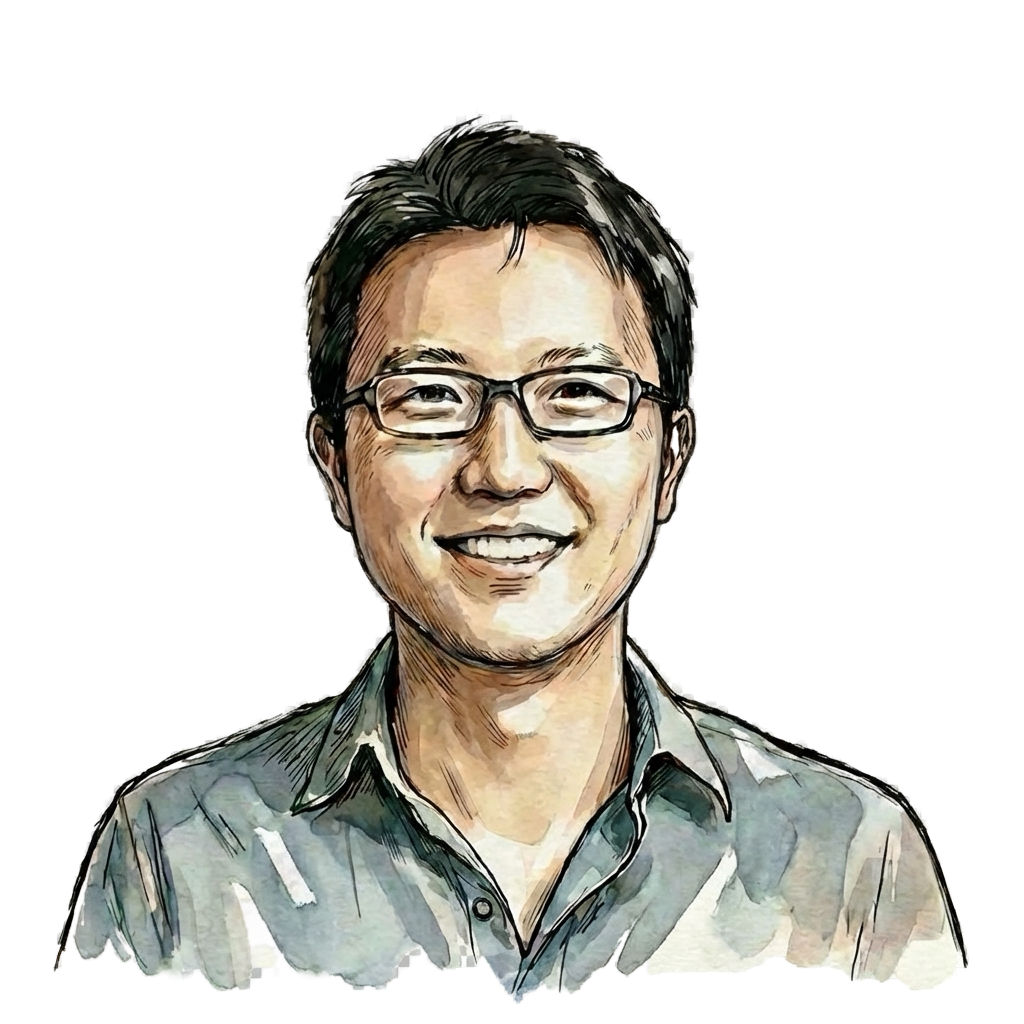
Peter Yang is a Principal Product Manager at Roblox with over a decade of experience at Reddit, Amazon (Twitch), and Meta. He writes Behind the Craft , a newsletter read by 140K+ tech professionals focused on practical AI tutorials and interviews. He also teaches a cohort-based course on Maven helping product managers use AI effectively.
Yang interviews AI power users on his YouTube channel and systematizes what he learns, sharing it publicly. This attracts more practitioners and compounds his own learning.
The Interview-to-Content Pipeline
Each interview becomes:
- Long-form article
- Video episode
- Twitter thread
- Newsletter segment
- Reusable workflow templates
Content Production Workflow
Pre-Interview Research
<task>
Research [Guest Name] for upcoming interview.
</task>

<sources>
- Twitter/X: @handle
- LinkedIn profile
- Recent blog posts
- Podcast appearances
- GitHub projects
</sources>

<output>
1. Key themes in their work
2. Unique perspectives or contrarian views
3. Tools/workflows they've mentioned
4. 10 specific questions based on their public content
5. Gaps in what's publicly known (areas to explore)
</output>
Interview Note Processing
<raw_transcript>
{{transcript}}
</raw_transcript>

<task>
Extract publishable content from this interview.
</task>

<output_format>
## Key Quotes (verbatim, with timestamps)
## Workflow Descriptions (step-by-step)
## Tools Mentioned (with context)
## Unique Insights (things not commonly known)
## Follow-up Questions (for clarification or Part 2)
</output_format>
Article Generation
<role>
Tech content editor writing for product managers and
developers interested in AI workflows.
</role>

<source_material>
{{processed_interview_notes}}
</source_material>

<article_structure>
1. Hook: One surprising insight from the interview
2. Context: Who is this person, why listen to them
3. System Overview: High-level workflow
4. Deep Dives: 3-4 specific techniques with examples
5. Getting Started: How readers can apply this
6. Resources: Links to tools, further reading
</article_structure>

<constraints>
- 1500-2500 words
- Include code blocks where applicable
- Use tables for comparisons
- End with actionable next steps
</constraints>
The “How I AI” Interview Framework
Yang uses five core questions:
| Element | Question |
|---|---|
| Stack | What tools do you use? |
| Workflow | Walk me through a typical task |
| Evolution | How has this changed over time? |
| Failures | What didn’t work? |
| Future | What’s next? |
Content Multiplication
One interview (1 hour) becomes:
- Full video episode (YouTube )
- Long-form article (Substack )
- Twitter thread
- LinkedIn post
- Workflow template
- Newsletter feature
- Reusable clips
Thread Generation
<article>
{{full_article}}
</article>

<task>
Create a Twitter/X thread from this article.
</task>

<constraints>
- 8-12 tweets
- First tweet: hook with surprising insight
- Last tweet: call to action + link
- Each tweet: one complete thought
- Include relevant images/screenshots where applicable
- Use line breaks for readability
</constraints>
Newsletter Segment
<task>
Write the "Featured Interview" section for this week's newsletter.
</task>

<format>
## This Week's Interview: {{guest_name}}

[One-sentence hook]

**The Big Insight:**
[2-3 sentences on the key takeaway]

**One Thing to Try:**
[Specific action reader can take today]

[Read the full interview →](link)
</format>
PRD Generation with AI
Yang has covered PRD workflows extensively through his interviews, including with Claire Vo , the creator of ChatPRD. Here’s a pattern for generating PRDs with AI.
PRD Generation Workflow
<product_context>
{{company_description}}
{{existing_features}}
{{target_users}}
</product_context>

<feature_request>
{{feature_description}}
</feature_request>

<output_sections>
1. Problem Statement
2. User Stories
3. Success Metrics
4. Requirements (functional)
5. Requirements (non-functional)
6. Out of Scope
7. Open Questions
</output_sections>

<style_guidelines>
- Specific over vague
- Measurable success criteria
- Clear scope boundaries
- Acknowledge unknowns explicitly
</style_guidelines>
PRD Review
<role>
Senior product manager reviewing a PRD draft.
Be constructive but thorough.
</role>

<prd>
{{draft_prd}}
</prd>

<review_criteria>
- Clarity: Can engineering build from this?
- Completeness: Are edge cases addressed?
- Feasibility: Is scope realistic?
- Metrics: Are success criteria measurable?
- Risks: Are dependencies and blockers identified?
</review_criteria>

<output>
## Strengths
## Areas for Improvement
## Missing Elements
## Questions for Clarification
## Suggested Next Steps
</output>
Personal Productivity System
Daily Kickoff
Every morning:
- Review calendar
- Check content pipeline status
- Identify top 3 priorities
- Block time for deep work
Claude assists with:
- Summarizing overnight messages
- Flagging urgent items
- Suggesting schedule adjustments
Content Calendar Management
<current_pipeline>
{{pipeline_status}}
</current_pipeline>

<task>
Review my content pipeline and identify:
1. What's ready to publish this week
2. What needs work
3. What's falling behind
4. Gaps in my content mix
</task>

<content_goals>
- 2 long-form articles per week
- 1 video episode per week
- Daily social media presence
- Weekly newsletter
</content_goals>
Patterns from Yang’s Interviews
Yang has interviewed AI practitioners from companies like Anthropic, Google, Cursor, Replit, and more. Here are patterns he’s identified.
What Successful AI Users Do
| Pattern | Description |
|---|---|
| Start small | One workflow, not everything at once |
| Document | Write down what works |
| Iterate | Improve prompts over time |
| Share | Learn from community feedback |
| Specialize | Go deep on specific use cases |
Common Mistakes
| Mistake | Better Approach |
|---|---|
| Trying to automate everything | Pick high-impact, high-frequency tasks |
| No verification | Always review AI output |
| Generic prompts | Customize for specific tasks |
| Working alone | Learn from others’ workflows |
| Expecting perfection | Treat AI as capable assistant, not expert |
Building Your Content System
Week 1: Audit
Track for one week:
- What content do you create?
- How long does each piece take?
- What's repetitive?
- What's bottlenecking production?
Week 2: Template One Workflow
Pick your highest-frequency content type:
Example: Weekly newsletter

Template:
1. Intro hook (AI: generate from this week's theme)
2. Main content (Human: core insight)
3. Supporting points (AI: expand on outline)
4. CTA (Template: reuse)
5. Links (Human: curate)
Week 3: Build Pipeline
Content Pipeline:
Ideas → Research → Draft → Edit → Publish → Distribute

For each stage:
- What can AI assist with?
- What needs human judgment?
- What's the handoff process?
Week 4: Multiply
For each piece of content:
- What other formats can this become?
- What platforms should it reach?
- How can AI help with reformatting?
Tools Yang Uses
| Purpose | Tool |
|---|---|
| Writing | Claude (via API and app) |
| Video | Descript for editing |
| Research | Exa, Perplexity |
| Publishing | Substack , YouTube |
| Social | Buffer for scheduling |
| Notes | Obsidian |
Getting Started
If you create content:
- Pick one content type you produce weekly
- Write down your current process
- Identify the repetitive parts
- Create prompts for those parts
- Test for one month
- Measure time saved
If you want to learn from others:
- Follow AI practitioners who share publicly
- Document their workflows when they post
- Try their techniques in your own work
- Share what you learn
- Build on what works
Next: Getting Started